Menene Fayil ɗin DXF?
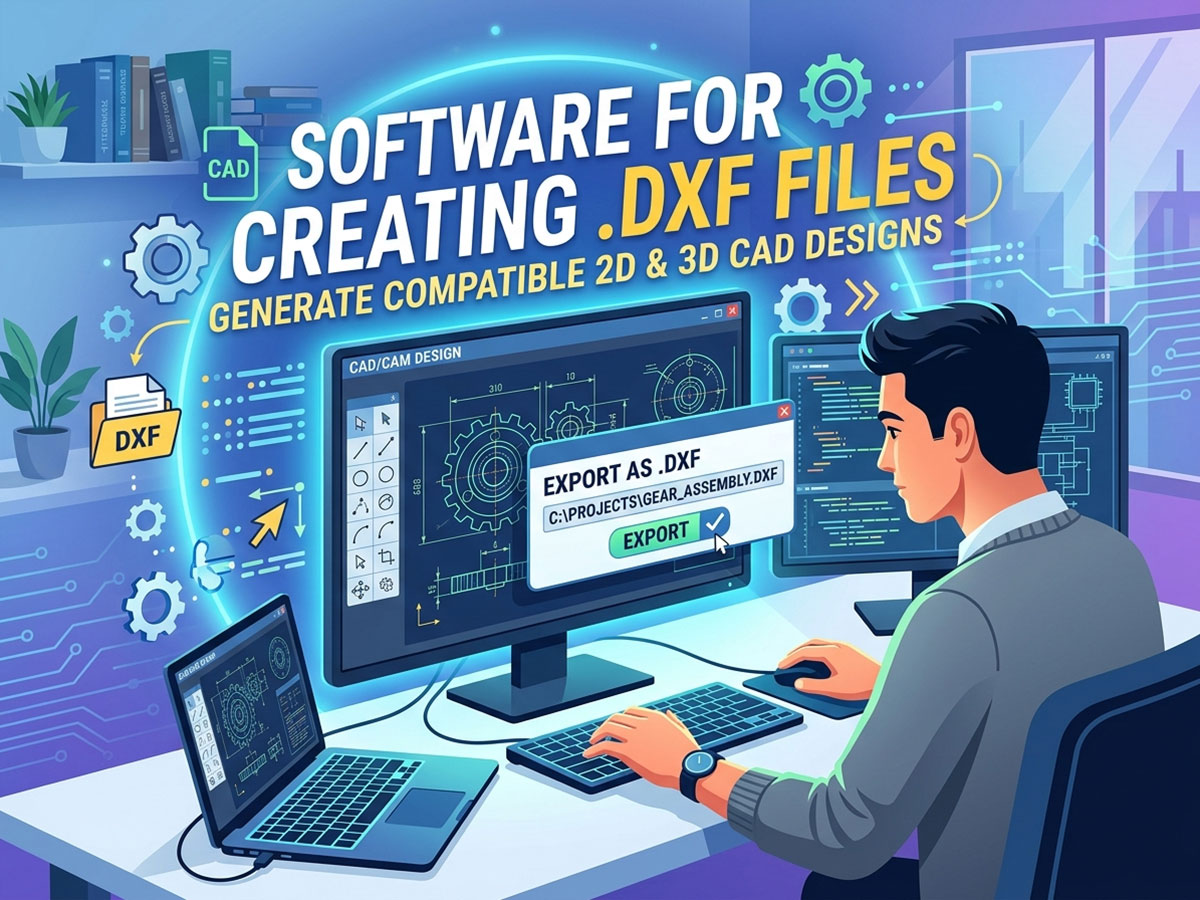
Fayil ɗin DXF (Tsarin Musayar Zane) nau'in fayil ɗin vector ne na 2D wanda Autodesk ya ƙirƙira a 1982. Yana adana layuka, baka, da'irori, da siffofi a matsayin daidaitattun daidaitattun lissafi maimakon pixels.
Saboda DXF tsari ne mai buɗewa, wanda ke ba da damar zane-zane su yi tafiya cikin 'yanci tsakanin shirye-shiryen CAD daban-daban da na'urori. Wannan ya sa ya zama nau'in fayil ɗin da ake so don aika ƙira zuwa Injin Sassaka na CNC, injina na laser, da kuma tebura na plasma.
Menene Amfani da Fayil ɗin DXF?
• Aika hanyoyin yankewa da sassaka 2D zuwa Ma'aikatan CNC.
• Musayar zane tsakanin dandamali daban-daban na software na CAD.
• Samar da hanyoyin aiki a cikin manhajar CAM don tsara hanya, yankewa, da kuma yin alama.
• Raba zane-zane masu iya daidaitawa, masu sauƙin gyarawa ba tare da rasa daidaito ba.
Fayilolin DXF sun shahara musamman don ƙaddamar da plasma, yanke laser, sassaka laser, da sassaka CNC saboda tsarin yana kiyaye ainihin girman da injunan ke buƙatar yankewa daidai.
Manhajar da za a yi amfani da ita wajen ƙirƙirar fayil ɗin DXF
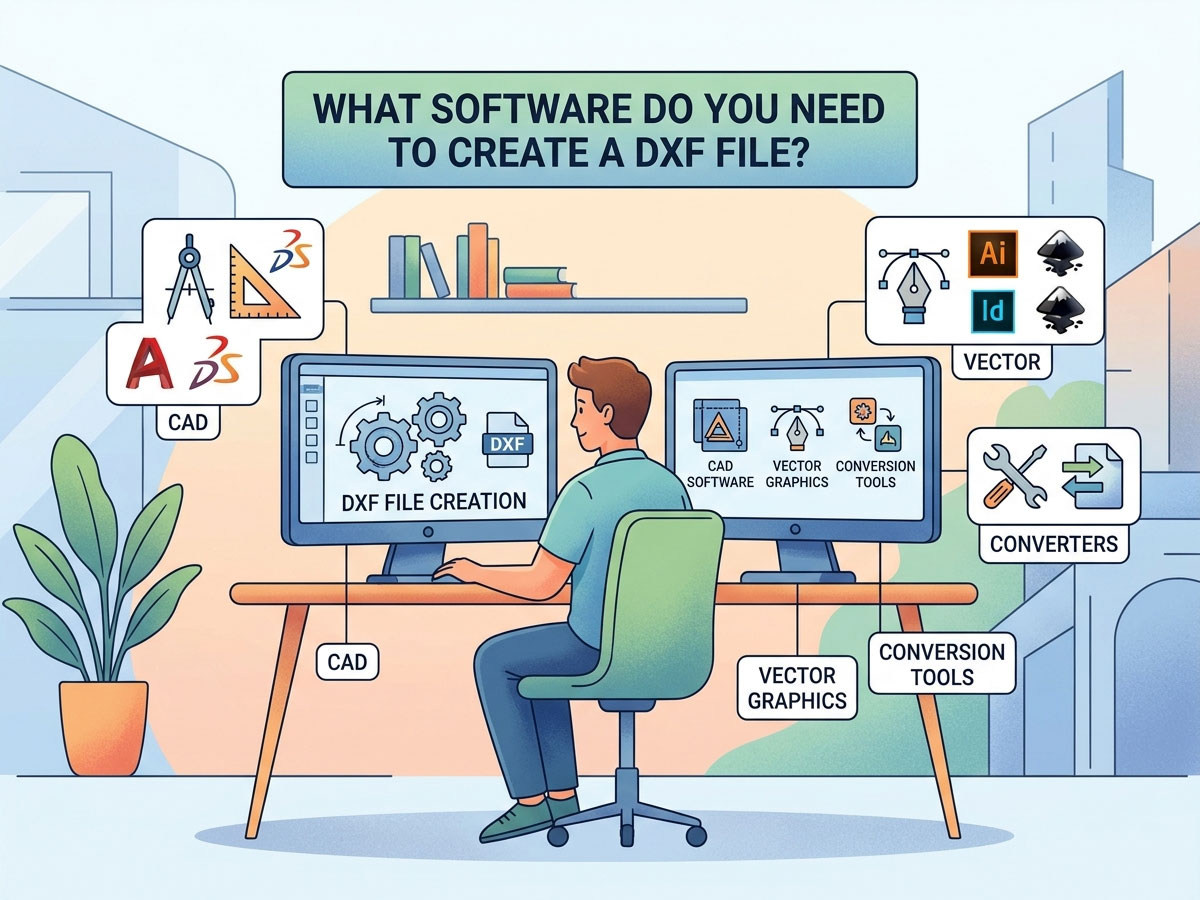
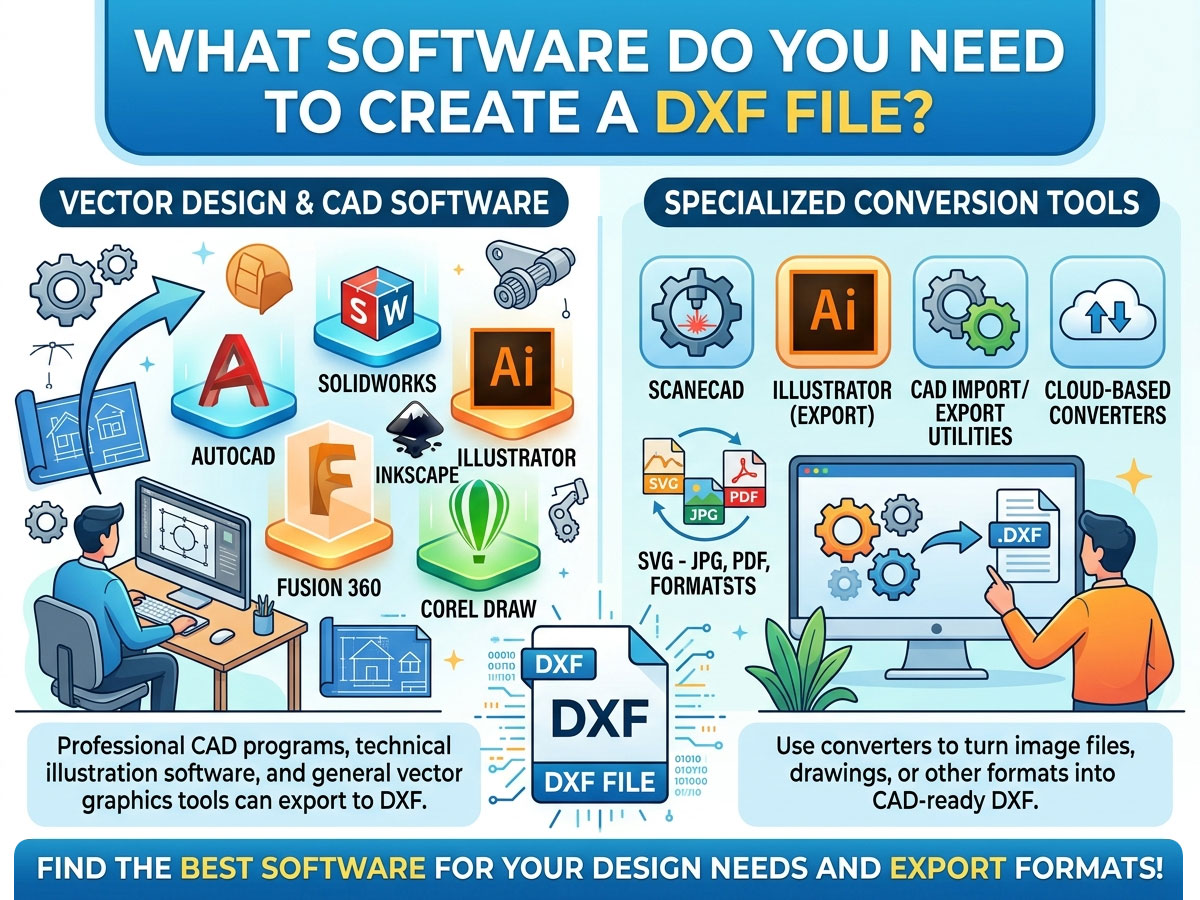
Duk wani shiri da zai fitar zuwa .dxf zai iya ƙirƙirar fayil ɗin DXF. Zaɓin da ya dace ya dogara ne akan ko kuna buƙatar zane na 2D, 3D yin tallan kayan kawa, ko zane-zanen vector, kuma akan kasafin kuɗin ku. Ga kwatancen zaɓuɓɓukan da aka fi amfani da su.
| software | price | type | Mafi kyawun |
| LibreCAD | free | 2D CAD | Masu sha'awar sha'awa da masu farawa suna tsara sassa masu sauƙi na 2D |
| QCAD | Kyauta / Biya | 2D CAD | Zane-zanen fasaha tare da babban ɗakin karatu na sassa |
| FreeCAD | free | 2D + 3D CAD | Tsarin 2D na Buɗaɗɗen Tushe da 3D yin tallan kayan kawa |
| Inkscape | free | Vector graphics | Canza zane-zane da tambari zuwa DXF mai yankewa |
| DraftSight | Kyauta / Biya | 2D CAD | Tsarin aiki na AutoCAD a farashi mai rahusa |
| Fusion 360 | An biya (kyauta don sha'awa) | 2D + 3D CAD / CAM | Ƙwararrun ƙira na CNC da hanyoyin kayan aiki |
| AutoCAD | biya | 2D + 3D CAD | Tsarin zane-zane na ƙwararru na masana'antu |
| Adobe zanen hoto | biya | Vector graphics | Masu zane suna canza fasahar vector zuwa DXF |
Kyauta ko Biya: Wanne Ya Kamata Ka Zaɓa?
Ba kwa buƙatar software mai tsada don ƙirƙirar fayil ɗin DXF mai amfani. Haɗa kayan aikin da sarkakiyar aikinku:
• Zaɓi manhaja kyauta (LibreCAD, FreeCAD, Inkscape) idan kai mai sha'awar sha'awa ne, kana yin siffofi masu sauƙi na 2D, ko kuma fara aiki kawai.
• Zaɓi manhajar da aka biya (AutoCAD, Fusion 360) idan kuna buƙata 3D yin tallan kayan aiki, hanyoyin CAM da aka haɗa, tallafin ƙwararru, ko aiki a shagon kasuwanci.
Yadda ake ƙirƙirar fayil ɗin DXF: Mataki-mataki
Tsarin yana kama da juna a yawancin shirye-shirye. Ga tsarin aiki na gaba ɗaya ta amfani da kowace kayan aikin CAD ko vector:
• Buɗe manhajar ƙirar ku kuma fara sabon zane ko takarda mai siffar 2D.
• Zana ƙirarka ta amfani da layuka, baka, da'ira, da lanƙwasa. Ajiye komai daidai gwargwadon girman duniya.
• Saita ma'aunin da ya dace (millimita ko inci) don injin ku ya yanke a ma'aunin da ya dace.
• Tsaftace tsarin ta hanyar rufe hanyoyin da aka buɗe, haɗa layuka, da kuma cire siffofi masu kama da juna ko waɗanda suka yi karo.
• Je zuwa Fayil > Ajiye Kamar ko Fayil > Fitarwa kuma zaɓi tsarin .dxf daga jerin nau'in fayil.
• Zaɓi sigar DXF idan an buƙata (R12 shine mafi dacewa da tsofaffin na'urori da software).
Canza Wasu Fayiloli zuwa DXF
Wani lokaci kana da tsari a wani tsari daban. Zaka iya canza nau'ikan fayiloli da yawa zuwa DXF maimakon sake zana su daga farko.
| Canza Daga | Kayan aikin da aka Shawarta | Notes |
| Hoto (JPG, PNG) | Inkscape, Scan2CAD | Yana buƙatar yin bibiya zuwa vector da farko |
| Fayil ɗin vektor na SVG | Inkscape | Fitarwa kai tsaye zuwa DXF |
| Zane na PDF | Masu sauya layi, Mai zane | Mafi kyawun PDFs tare da vector-based PDFs |
| Fayil ɗin DWG | AutoCAD, DraftSight, QCAD | DWG da DXF suna da alaƙa sosai |
| DXF zuwa PDF (komawa baya) | Duk wani mai duba CAD, a buga shi zuwa PDF | Don rabawa ko takardu |
Lokacin da ake canza hoto zuwa DXF, ku tuna cewa dole ne a fara bin diddigin hotuna zuwa zane mai tsabta na vector. Canza hoto zuwa DXF yana aiki mafi kyau tare da tambari masu sauƙi, masu babban bambanci da zane-zanen layi, ba hotuna masu cikakken bayani ba.
Yadda ake Buɗewa da Duba Fayil ɗin DXF
Ƙirƙirar DXF rabin aikin ne kawai. Haka kuma kuna buƙatar buɗewa da duba shi kafin aika shi zuwa na'urarku.
Hanyoyi don Buɗe Fayil ɗin DXF
✓ Manhajar CAD: AutoCAD, LibreCAD, QCAD, da FreeCAD duk fayilolin DXF ne da aka buɗe su a asali.
✓ Masu kallon DXF kyauta akan layi: Masu kallon da ke amfani da burauzar yanar gizo suna ba ku damar yin samfoti na fayil ba tare da shigar da komai ba, wanda ya dace da sauri don dubawa.
✓ Editocin Vector: Inkscape da Adobe Illustrator suna buɗewa da gyara zane-zanen DXF.
✓ Manhajar na'ura: LightBurn (laser), Mach5, da makamantan manhajojin sarrafawa suna shigo da DXF kai tsaye don yankewa.
Don buɗe DXF a cikin AutoCAD, kawai yi amfani da Fayil > Buɗe kuma zaɓi fayil ɗin .dxf, ko ja shi zuwa wurin aiki. Don shigo da takamaiman na'ura, naku CNC da Laser software yana karanta DXF kuma yana canza yanayin zuwa hanyoyin yanke kayan aiki.
Amfani da Fayilolin DXF tare da Injin CNC, Laser, ko Plasma ɗinku
DXF ita ce gadar da ke tsakanin ƙirarka da na'urarka. Tsarin aiki na yau da kullun yana kama da haka:
Zane a cikin CAD → Fitar da shi azaman DXF → Shigo da shi cikin software na CAM ko sarrafa na'ura → Haɗa hanyoyin kayan aiki ko lambar G → Yanke. Don koyon yadda mataki na gaba ke aiki, karanta STYLECNC jagora a kan yadda ake ƙirƙirar fayil ɗin G-code daga ƙirar ku.
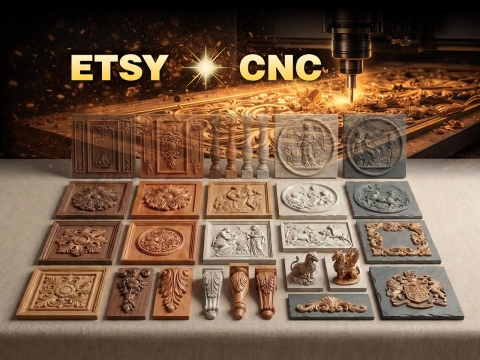
• Injinan Sassaka na CNC: Fayilolin DXF suna bayyana bayanan martaba na 2D don yanke itace, acrylic, da abubuwan haɗin gwiwa. Haɗa su da software na CAM don samar da hanyoyin aiki.
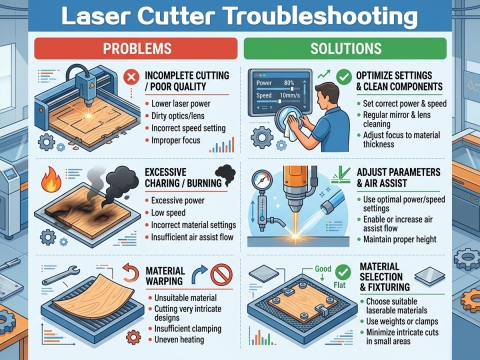
• Injinan Yanke Laser da Injinan Zane: Tsarin DXF yana gaya wa laser daidai inda za a yanke ko a ci maki. Shirye-shirye kamar LightBurn suna shigo da DXF kai tsaye.
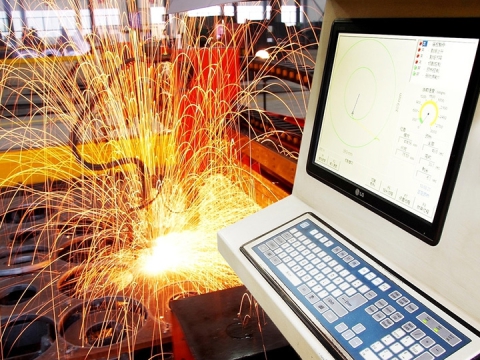
• Injinan Yanke Plasma: Fayilolin DXF kyauta don yanke plasma suna samuwa sosai akan layi, wanda hakan ya sauƙaƙa fara ƙirƙirar fasahar ƙarfe da sassa.
Idan kana zaɓar kayan aiki don injinka, STYLECNC Jerin software na shirye-shirye na CNC ya fayyace waɗanne shirye-shiryen ƙira da sarrafawa ne suka fi dacewa da na'urorin sadarwa na zamani, na'urorin laser, da tebura na plasma.
Inda Za a Nemo Fayilolin DXF Kyauta
Idan kana son farawa da zane-zanen da aka riga aka shirya, akwai ɗakunan karatu na DXF kyauta da yawa akan layi. Waɗannan sun dace da aikin yanke laser, zane-zanen plasma, da ayyukan CNC.
• Fayilolin DXF kyauta don yanke laser: alamu, kayan ado, akwatuna, da samfuran kayan ado.
• Fayilolin DXF kyauta don yanke plasma: fasahar ƙarfe, maƙallan ƙarfe, da sassan aiki.
• Dakunan karatu na al'umma da kuma dandalin masu yin kayayyaki inda masu amfani ke raba zane-zanensu.
Koyaushe gwada DXF da aka sauke akan kayan da aka yayyanka da farko, tunda ingancin fayil da girmansa na iya bambanta tsakanin tushe.
Tambayoyin da
Menene software mafi sauƙi kyauta don ƙirƙirar fayil ɗin DXF?
LibreCAD ita ce mafi sauƙin zaɓi kyauta ga masu farawa waɗanda ke ƙirƙirar fayilolin DXF 2D. Don canza tambari da zane-zane, Inkscape ita ce kayan aikin vector kyauta mafi sauƙi wanda ke fitarwa zuwa DXF.
Zan iya ƙirƙirar fayil ɗin DXF ba tare da AutoCAD ba?
Eh. Ba a buƙatar AutoCAD ba. Shirye-shirye kyauta kamar LibreCAD, FreeCAD, da Inkscape duk suna ƙirƙira da fitar da fayilolin DXF waɗanda ke aiki da injunan CNC, laser, da plasma.
Ta yaya zan buɗe fayil ɗin DXF akan layi?
Yi amfani da mai duba DXF mai bincike ta hanyar burauza. Loda fayil ɗin zuwa mai duba DXF kyauta akan layi don yin samfoti na zane ba tare da shigar da software ba. Don gyarawa, yi amfani da software na CAD na tebur ko vector.
Menene bambanci tsakanin DXF da DWG?
Dukansu tsarin Autodesk ne. DWG tsarin AutoCAD ne na asali, yayin da DXF tsarin musayar kuɗi ne wanda aka tsara don dacewa da shirye-shirye daban-daban. Injinan CNC da laser sun fi karɓar DXF a duk duniya.
Zan iya canza hoto zuwa fayil ɗin DXF?
Eh, amma dole ne a fara bin diddigin hoton a cikin zane-zanen vector. Kayan aiki kamar Inkscape da Scan2CAD suna canza tambari masu sauƙi, masu bambanci da zane-zanen layi zuwa DXF. Cikakken hotuna ba sa canzawa da kyau.
Wace sigar DXF ya kamata in adana a ciki?
Ajiye a cikin sigar R12 don mafi girman jituwa da tsofaffin injuna da software. Sabbin sigar suna tallafawa ƙarin fasaloli amma ƙila ba za a iya karantawa ta duk shirye-shiryen sarrafa CNC da laser ba.
Daga Fayil ɗin Zane zuwa Sashe na Ƙarshe
Da zarar ka iya ƙirƙirar fayilolin DXF masu tsabta, ka shirya don mayar da zane-zane zuwa sassa na gaske. STYLECNC Kayan aikin ƙira da software na CNC, lilo a Jerin Injin sassaka na CNC, ko kuma duba cikakken jerin Laser engraving inji da kuma Laser sabon inji don kawo zane-zanen DXF ɗinku zuwa rayuwa.